Chrome Extension

My Chat Faces

Custom backgrounds for ChatGPT, Claude, Gemini & Grok.

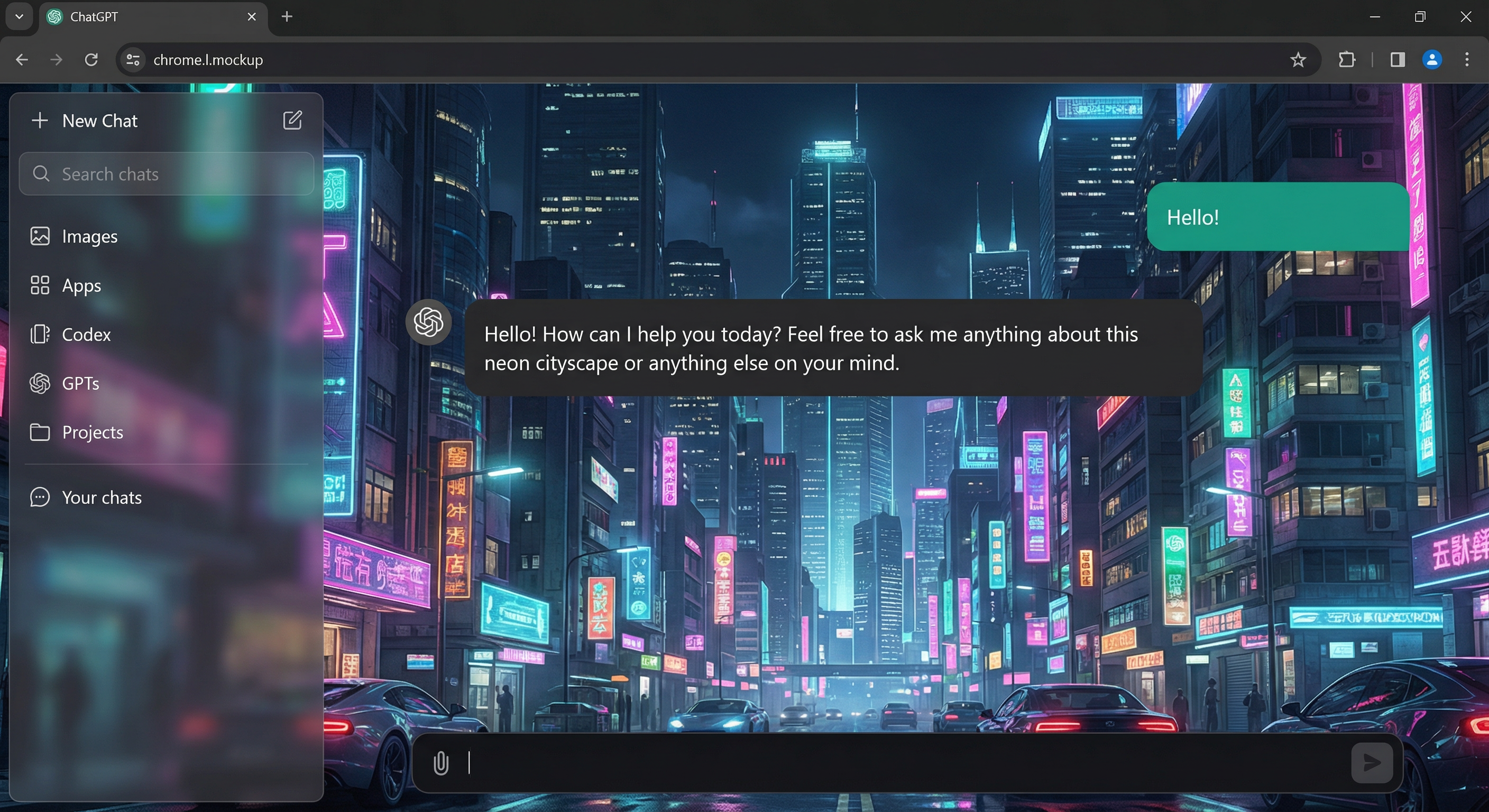
Pick from stunning built-in themes or upload your own image. Smooth fade animations, iMessage-style chat bubbles, and full sidebar transparency.

My Chat Faces in action — cyberpunk background on ChatGPT

See It in Action

Features

🎨

3 Built-in Themes

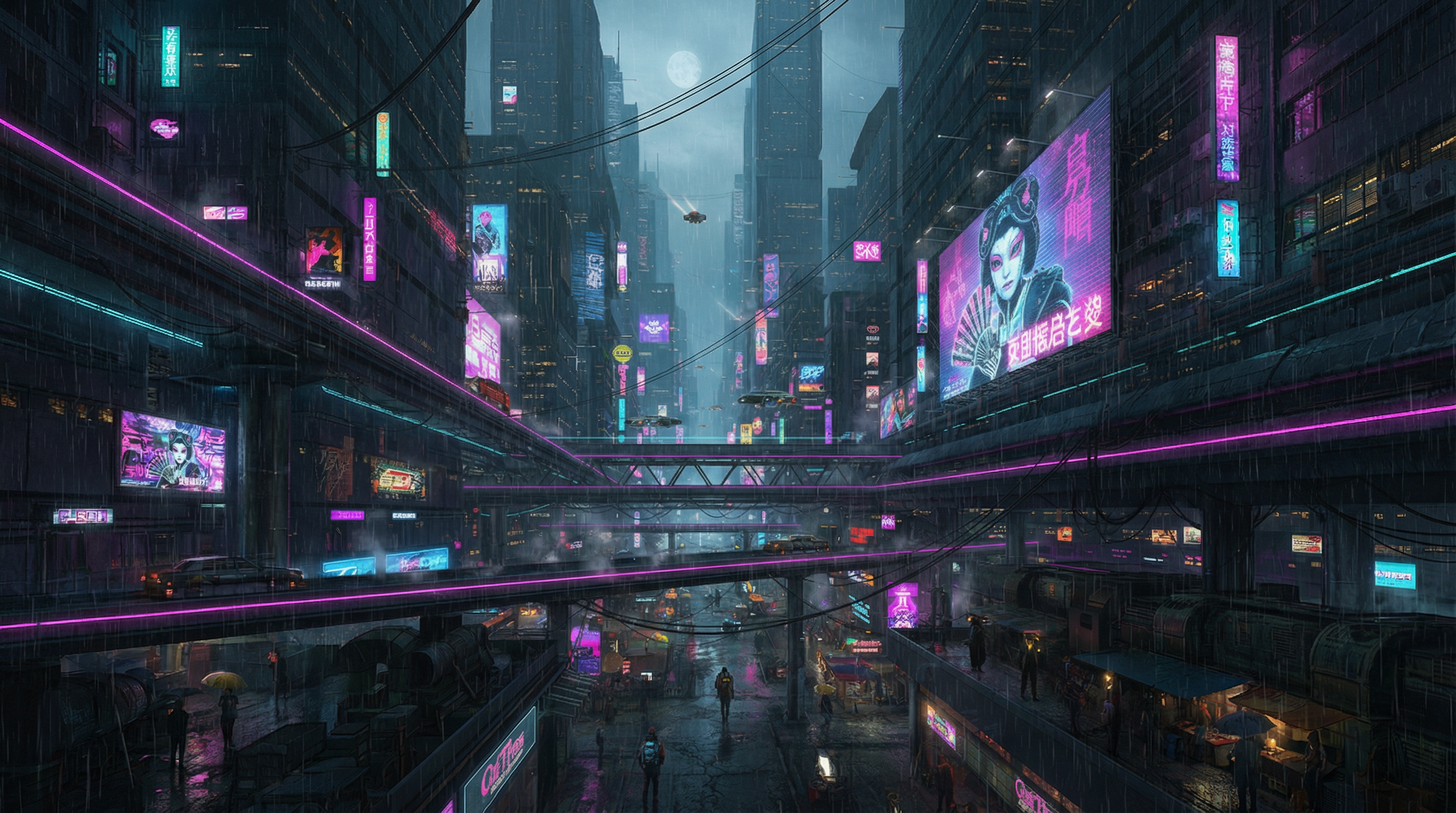
Cyber, Fantasy, and Unicorns — widescreen art that fills your entire browser.

📤

Upload Your Own

Use any image from your computer as a chat background. It's saved locally and persists across sessions.

Smooth Animations

Backgrounds fade in over 2 seconds. Switching themes plays a fade-out / fade-in transition.

💬

Chat Bubbles

iMessage-style colored bubbles — teal for your messages, dark for the assistant. Always readable.

👁

Full Transparency

Background shows through the sidebar, header, and every corner of the page. No blind spots.

🔒

Privacy First

No data leaves your browser. No analytics, no tracking, no server calls. Fully open source under MIT.

Built-in Themes

Cyber theme Cyber
Fantasy theme Fantasy
Unicorns theme Unicorns

...or upload your own

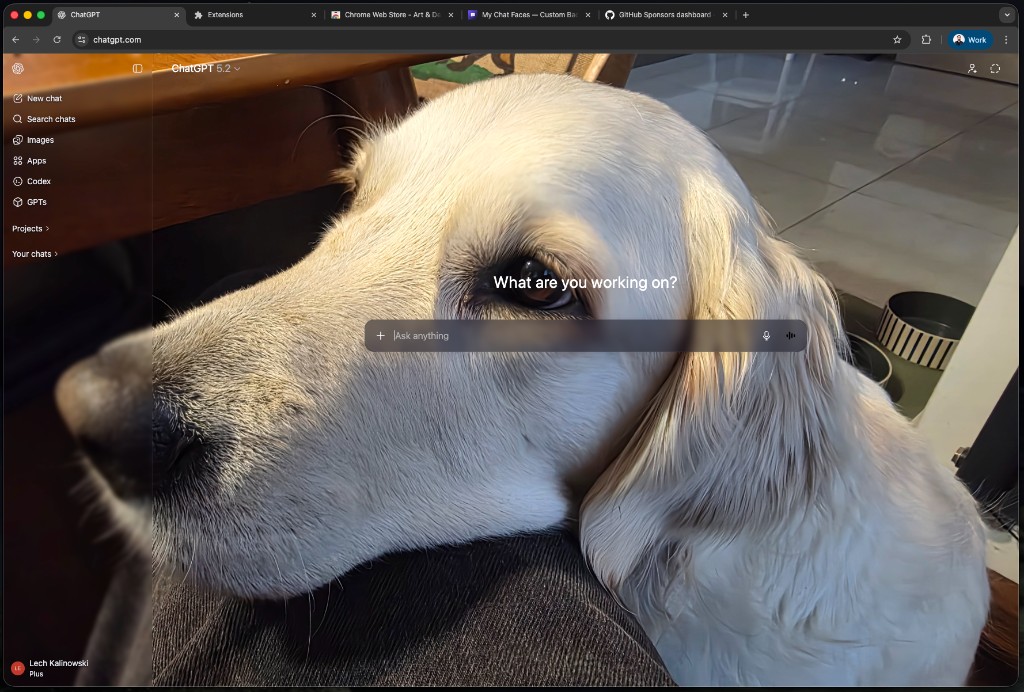
Use a photo of your dog, your favorite artwork, or anything you like.

Custom background example — a golden retriever on ChatGPT

Works With

ChatGPT
Claude
Gemini
Grok

Install in 30 Seconds

  1. 1
    Download

    Clone or download the repo from GitHub.

  2. 2
    Open Extensions

    Go to chrome://extensions and enable Developer mode.

  3. 3
    Load Unpacked

    Click Load unpacked and select the project folder.

  4. 4
    Pick a Background

    Click the extension icon, choose a theme, and enjoy.